


OLED Black Wallpaper 4K for Phone

April 16, 2026

Minimalist Wallpaper for Productivity on Your Computer

April 29, 2026

How to Add a Live Wallpaper on Windows 10/11

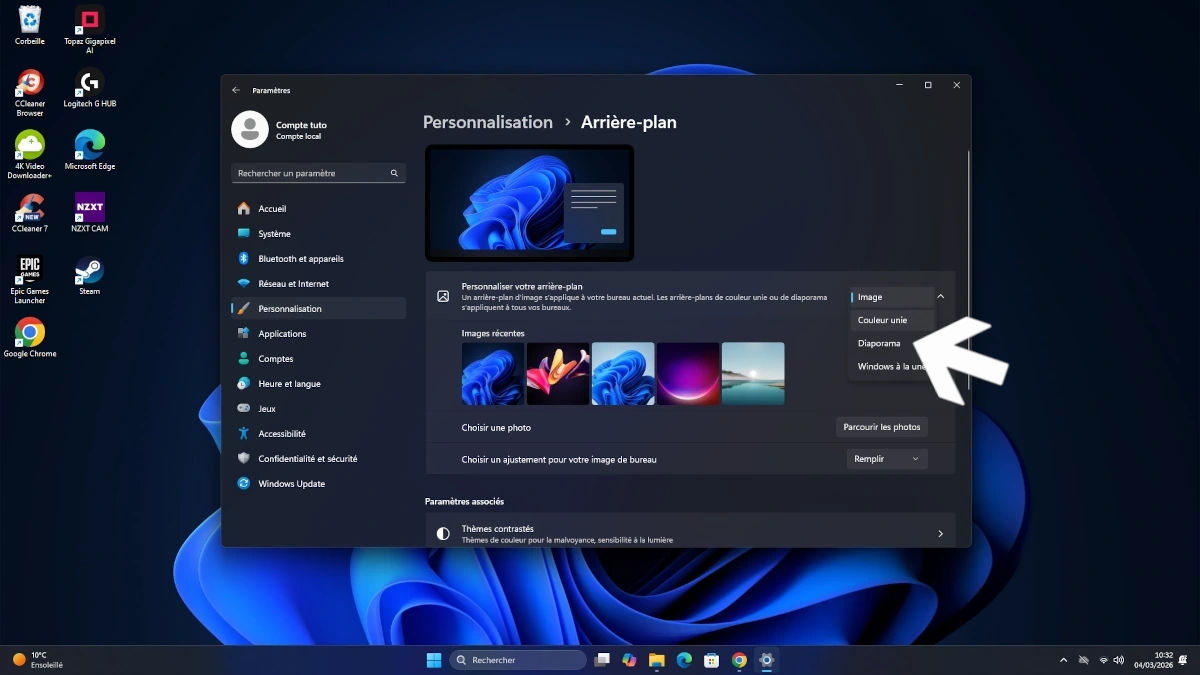
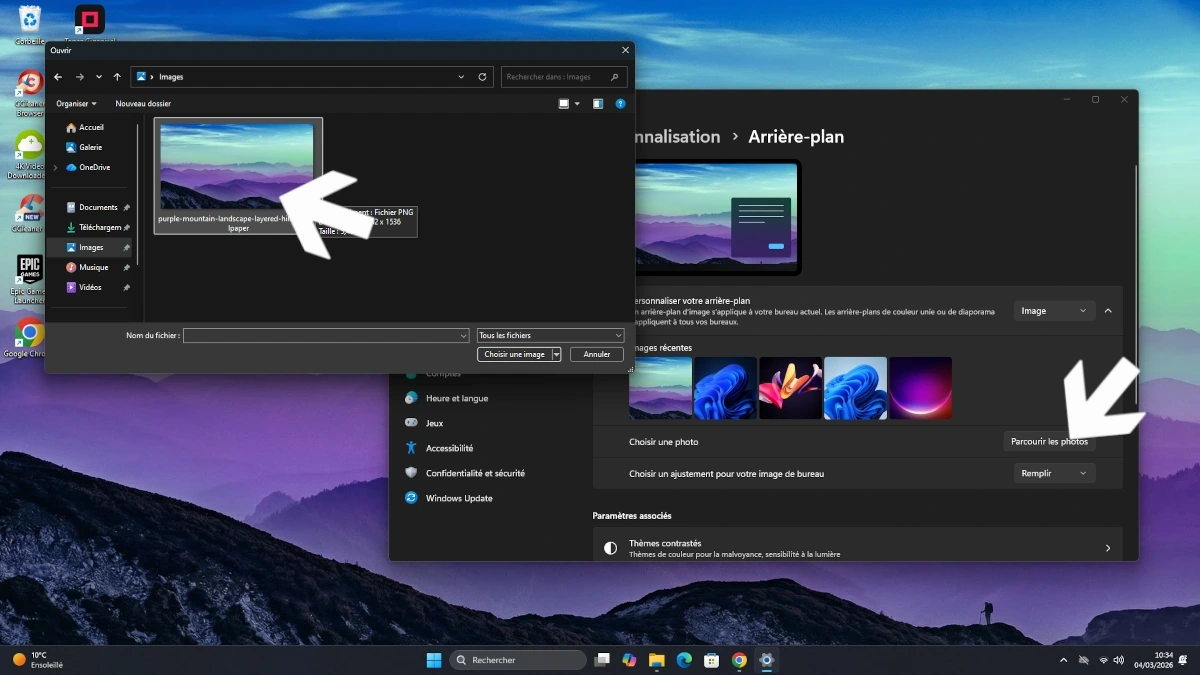
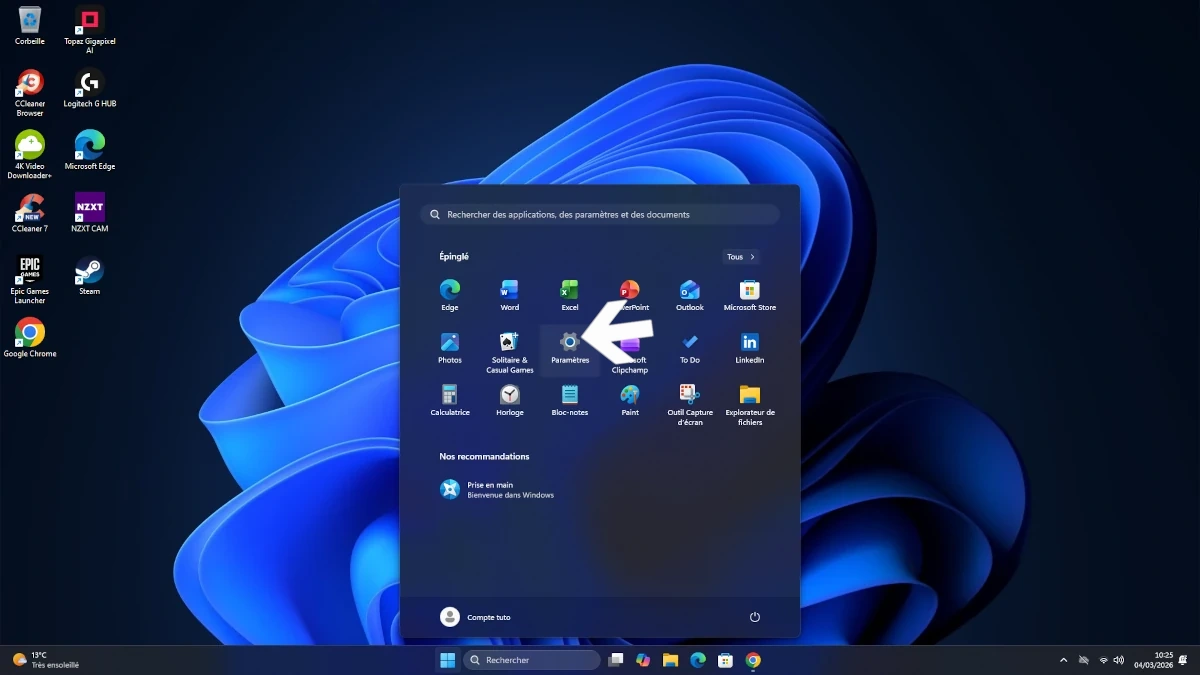
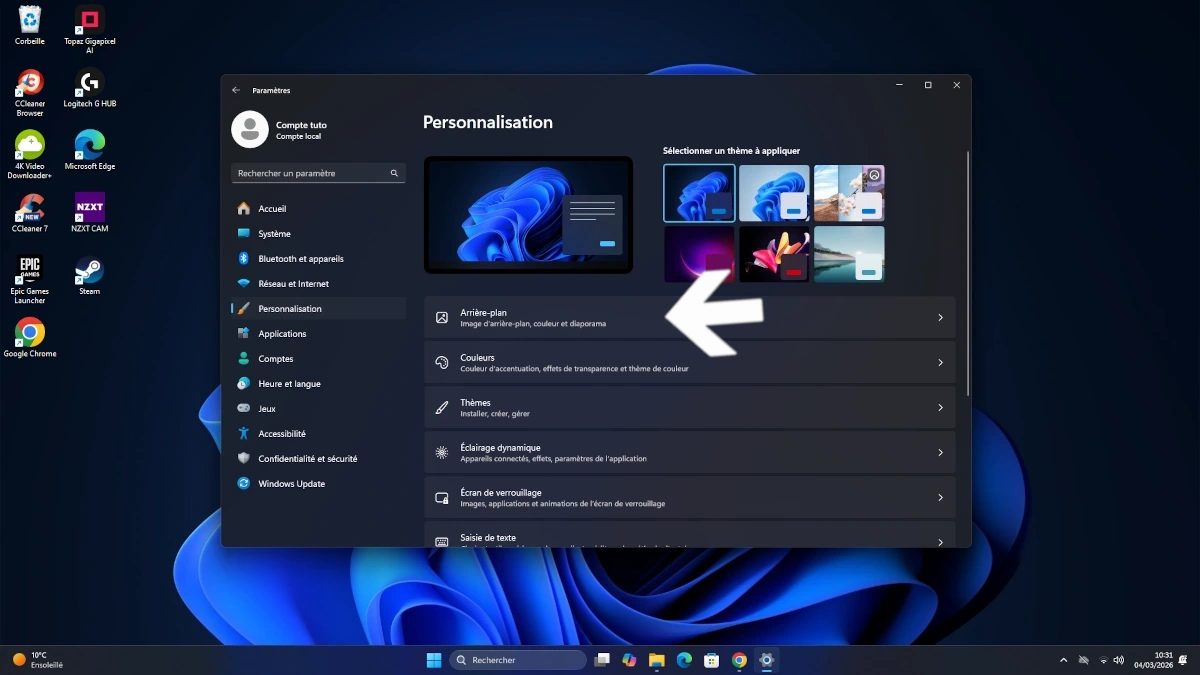
Customizing your desktop goes beyond static images.
With live wallpapers, you can bring motion, atmosphere, and personality to your Windows 10 or Windows 11 setup. Whether it’s a cinematic scene, a relaxing animation, or a dynamic visual, animated wallpapers can completely transform your desktop experience.

In this guide, you’ll learn how to easily set up a live wallpaper using Purewall Studio.
Step 1: Download Purewall Studio

Start by downloading Purewall Studio from the official source.

Once the file is downloaded:

  • Open the installer
  • Launch the installation process
  • Follow the on-screen instructions

After installation, open the software.


Download Purewall Studio : Download
Step 2: Find a Live Wallpaper (MP4 format)

Before adding a live wallpaper, you need a compatible file.

Make sure to:

  • Download a video wallpaper in MP4 format
  • Choose a high-quality file (HD or 4K recommended)

This ensures smooth playback and better visual results.

Step 3: Open the Live Wallpaper section

Launch Purewall Studio, then navigate to the “Live Wallpaper” section.

This is where you manage all animated wallpapers.

Step 4: Add your animated wallpaper

Inside the Live Wallpaper section:

  • Click on “Add Wallpaper”
  • Select the MP4 file you downloaded
  • The wallpaper will appear in preview

You can now see how it will look on your desktop.

Step 5: Adjust settings and apply

Purewall Studio offers several customization options:

  • Pause or play the animation preview
  • Adjust the playback speed
  • Fine-tune the visual experience

Once you’re satisfied:

  • Click “Apply Live Wallpaper”
  • Wait 5–10 seconds

Your animated wallpaper will automatically appear on your desktop.

Step 6: Remove the live wallpaper

If you want to remove it:

  • Reopen Purewall Studio
  • Go back to the Live Wallpaper section
  • Click “Remove Live Wallpaper”

Your original wallpaper will be restored instantly.

Leave a Reply

Your email address will not be published. Required fields are marked *